How to Automate Post-Sales Workflows That Actually Drive Value
Six steps for automating post-sales work, in the order that matters. Most teams automate what is easy and end up with efficient admin and unchanged retention. Data quality sets the ceiling, internal tasks should go first to build trust, and the honest test is whether reclaimed CSM hours visibly move into business reviews and at-risk outreach rather than into managing the automation.
This article is for informational purposes only and does not constitute financial, tax, or legal advice. Consult a qualified professional for guidance specific to your situation.
Reviewed for financial accuracy by the Startup Finance Guide editorial team. Our editors cross-reference all claims against platform documentation, pricing pages, and primary regulatory sources. Last reviewed: November 2, 2026.
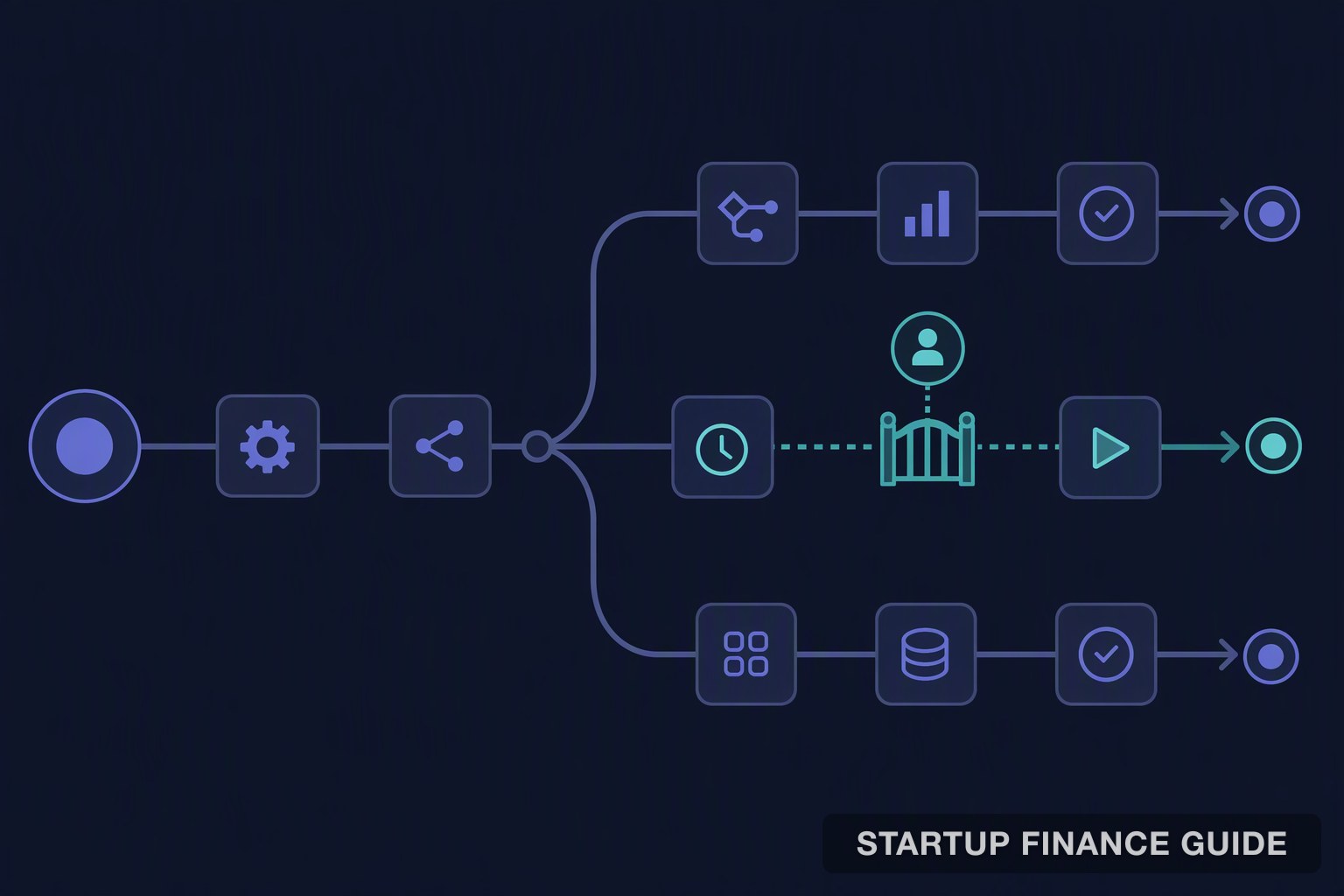
Automating post-sales work to drive customer value comes down to four decisions made in order: rank tasks by revenue impact, trigger from behaviour rather than from the calendar, build churn and expansion as separate plays, and keep a person approving anything customer-facing. Choose software fifth, because the plays and guardrails you defined are the buying criteria.
Done well, software takes the repeatable work and the team keeps the conversations that need judgment. Done carelessly, it sends the wrong message to the right customer at exactly the wrong moment, which is worse than the manual process it replaced.
Key takeaways
- Rank before you automate. Most teams automate what is easy rather than what is costly, and end up with efficient admin and unchanged retention.
- Trigger from behaviour against each account's own baseline. A daily user silent for five days matters; a weekly user silent for five days does not.
- Data quality sets the ceiling. Automation on stale records sends wrong messages faster.
- Start internal. Tagging, merging and logging carry no customer risk, which buys the team's trust before anything goes out.
Step 1: Audit and rank by revenue impact
Ask every CSM to write down a typical week: data pulls, emails, renewal lookups, meeting prep. Mark the repeatable items that need little judgment. Tag each by lifecycle stage so you can see where manual work piles up, then score each on revenue impact and time cost from one to three.
Decide how much automation each account tier gets while you are here. Larger accounts keep a named person; smaller ones absorb more automation. Our guide to onboarding SaaS customers at scale covers where to draw those lines by contract value.
What you end up with is a ranked backlog rather than a general intention to automate more. The top of it is usually three or four admin tasks nobody enjoys.
Step 2: Pick triggers, and clean the data under them
| Signal | Example trigger | Where the data lives |
|---|---|---|
| Product adoption | Weekly active users fall two weeks running | Product analytics |
| Capacity | Seat or usage limit approaching | Billing |
| Sentiment | Repeat tickets left unresolved | Support desk |
| Commercial | Several people request admin access | CRM |
| Renewal | Contract end date inside a set window | CRM or billing |
| Four checks on every trigger: |
- Compare against a baseline, per account rather than globally.
- Use stage-specific rules. A three-week-old account and a two-year-old account should not share a formula, as our guide to health tracking by lifecycle stage sets out.
- Join the sources. Triggers need account records and product events in one place. Unifying product usage data with customer success workflows covers the plumbing.
- Audit the data first. Blank fields, duplicate accounts and stale records produce alerts your team learns to ignore within a fortnight.
Step 3: Build churn and expansion as separate plays
A play is a trigger, an audience, an action, an owner and a timing window. Churn and expansion need different ones, because the signals, the owners and the tone all differ.
For each play:
- Write the trigger in one sentence. If it takes a paragraph, it is two triggers.
- Define the audience and the exclusions, such as accounts with an open escalation.
- Choose the action and name the owner. Task, drafted email or manager alert, and who receives it.
- Add context to the action. Past support issues, goals from the last business review. Generic outreach reads as automated because it is.
- Set timing and a stop rule. Stop the moment the customer replies or a CSM steps in.
A churn play should escalate rather than repeat: an automated email with usage tips on a light decline, a personalised check-in on moderate disengagement, direct human outreach with a tailored session on severe risk.
Expansion plays follow the same shape with different triggers: a seat or usage limit approaching, a new team starting to use the product, several people requesting admin access.
Step 4: Set approval gates before anything goes live
Sort every action into three groups:
- Runs automatically: internal, zero-risk work. Tagging tickets, merging duplicates, logging notes, syncing ticket details into health dashboards.
- Drafted for review: first outreach after a usage drop, renewal notices to mid-sized accounts.
- Requires approval: anything to an executive sponsor, anything touching pricing or contract terms, anything after a champion leaves, and renewals above an ARR threshold you set.
Then add the controls that apply across all customer-facing plays: a confidence threshold that routes to a CSM with a draft analysis when the system flags risk but cannot name a cause, a frequency cap per contact, quiet hours in the recipient's time zone, a never-contact list, and a privacy check against CAN-SPAM, GDPR and anything else that applies to your markets.
Our comparison of AI agents that talk to customers safely covers the pre-send controls in more depth, and our guide to guardrails for an AI agent that emails customers covers where enforcement has to live.
The reason to do this before launch is trust. Mistakes that stay internal are tolerable; the first automated message to the wrong executive sets the programme back months.
Step 5: Rules-based or AI-native
Rules-based automation follows if-then instructions. It is predictable, auditable and fine for linear work: send a survey when a ticket closes, create a task when a renewal date approaches. Its limit is that it only reacts to conditions you anticipated.
AI-native automation reads patterns across usage, billing, support and conversations, then recommends or drafts the next action. Platforms such as Quivly work this way, proposing actions with drafted outreach for a person to approve. It suits teams whose signals are scattered across systems in ways no fixed rule captures.
Test any option against your own plays:
- Can it show the data behind each alert?
- Can approval rules be set per action type, not globally?
- Does it connect to your CRM, billing, support and product data without custom engineering?
- Can you pilot one play on one segment?
- Does it log every automated action?
Ask each vendor to run one of your step 3 plays live in the demo. A tool that handles your real trigger and your real approval rule beats one with a longer feature list.
Step 6: Measure, then prune
Capture a baseline before launch: hours on admin, time to first response, renewal and expansion rates. Then track efficiency metrics (hours reclaimed per CSM, time from signal to first action) separately from customer value metrics (net revenue retention, gross retention, expansion rate). Keeping them apart stops busy automation being mistaken for healthy accounts.
Review monthly and pick one improvement. Retire any play generating alerts nobody acts on, because a dashboard full of ignored amber tiles trains people to ignore the real ones. Our guide to measuring AI agent ROI covers splitting credit between automation and the CSM.
Five tools, matched to the plays
- Quivly turns usage drops, call transcripts and market signals into recommended actions with drafted outreach, with agents able to run tasks that need no person, connecting to HubSpot, Zendesk, Slack and Stripe among others. Fits teams wanting signals, drafts and approvals in one place across onboarding, renewal and expansion.
- ChurnZero pairs plays and health scoring with AI agents and in-app messaging, so automation reaches users who never take a call. Pick it when a large share of accounts is tech-touch and in-app behaviour is the leading signal.
- Gainsight combines its platform with Staircase AI, acquired in 2024 and now the first agent in its Atlas family, alongside renewal, adoption and Slack agents. Suits larger teams with a customer success operations owner and many segments.
- Vitally centres on playbook automation, health scores and AI summaries in a shared workspace. Good for mid-sized teams wanting clear rule-based plays.
- HubSpot Service Hub runs on HubSpot's CRM, so workflows, health scores and tickets draw on one record. The obvious pick if you are already there.
Limitations
Vendor capabilities come from each company's own documentation as checked in November 2026 and change frequently in this category, particularly the autonomy settings on AI agents. We have not implemented these workflows at any company, so the sequencing advice reflects common practice rather than measured outcomes. No pricing is included because most of these vendors quote rather than publish, and the cost that matters is usually integration work rather than licence fees.
Frequently asked questions
What should be automated first?
Internal admin with no customer exposure: tagging, merging duplicates, logging notes, syncing data. It builds the habit and the trust without risking a relationship.
How do we avoid automation feeling automated?
Context. A message referencing the specific feature the account stopped using, or a goal from the last business review, reads as attention. One that references nothing reads as a mail-merge, because it is.
Does automation reduce headcount?
Rarely, and that is the wrong goal. It changes what the headcount does. If the reclaimed hours do not visibly move into business reviews and at-risk outreach, the programme has not worked.
When do rules beat AI?
Whenever the condition is genuinely known in advance. A renewal date, a ticket closing, a seat limit. Save the pattern recognition for the signals you cannot specify, and do not pay for inference on an if-then.
How many plays should we run?
Fewer than you expect. Two well-maintained plays beat eight that nobody reviews, and the monthly prune matters more than the launch.
Conclusion
The honest test of workflow automation is what CSMs do with the hours it gives back. Into business reviews, at-risk outreach and executive conversations, it works. Into extra admin around the automation itself, the workflows need trimming.
Pick the one hour a week your first play will return to each CSM, and decide in advance where that hour goes. Naming the destination is what keeps the team invested in building the next one.
Vendor capabilities come from each company's own documentation as checked in November 2026 and change frequently, particularly autonomy settings on AI agents. Sequencing advice reflects common practice rather than measured outcomes.
How we built this guide: the play structure and guardrail model draw on published customer success practice, and each vendor description was checked against that vendor's current documentation rather than a directory listing.
Last verified: 2026-11-02