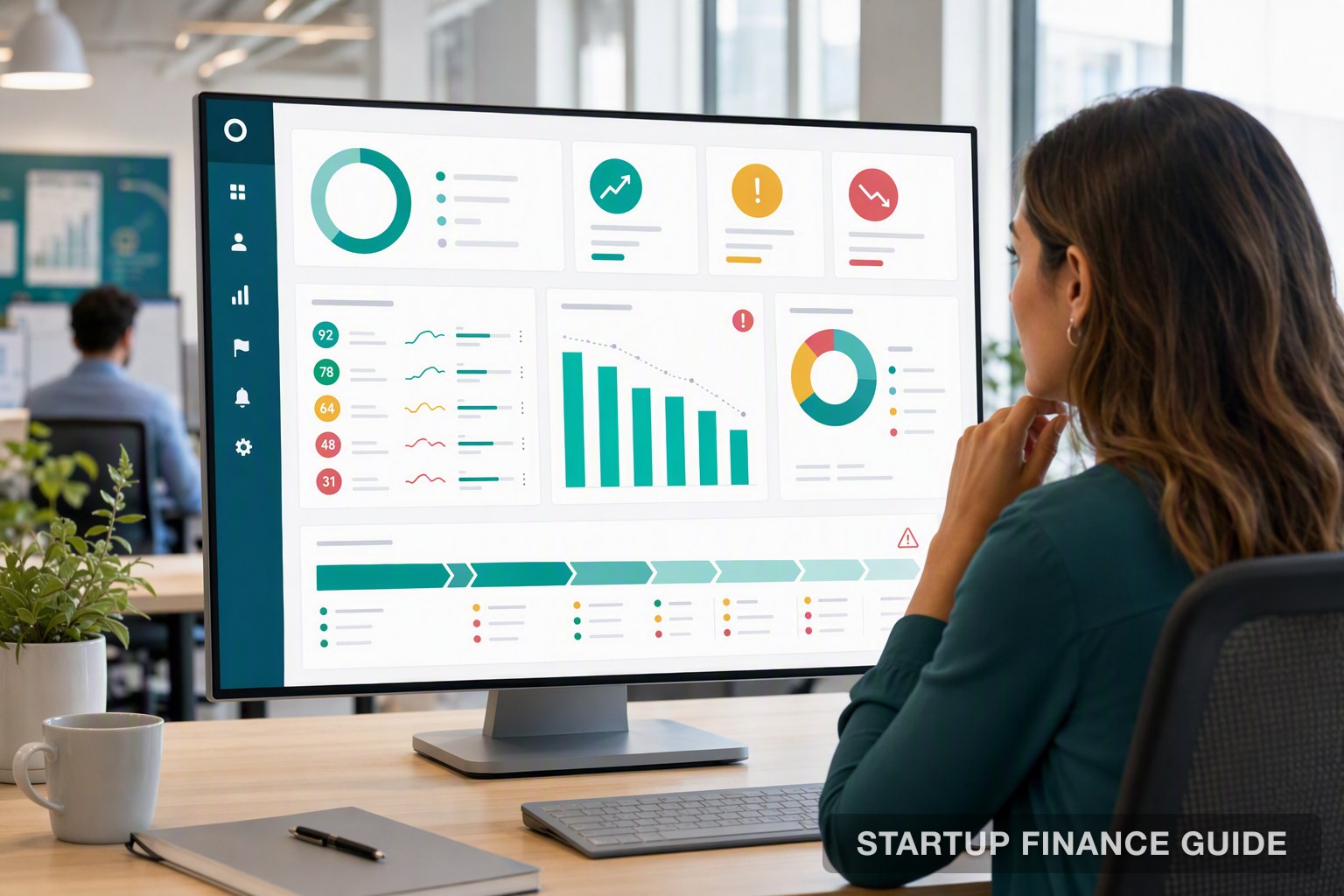
5 Best Analytics Tools for GTM Teams
Comparing 5 analytics tools purpose-built for GTM teams: Userlens for plain-language account health alerts without a data team, Clari for enterprise forecasting rigor, Gong for conversation intelligence, Backstory for complete CRM activity capture, and Terret for RevOps teams managing complex revenue models.
A deal goes quiet for two weeks and nobody on the team can say why. The prospect opened every email, rewatched the demo, then stopped responding. The signals were there, scattered across your CRM, your inbox, your product analytics, and a handful of call transcripts, but nothing connected the dots before the deal slipped to "at risk."
This is the exact problem go-to-market (GTM) analytics tools solve. They combine CRM records, buyer engagement, meeting data, and product usage into one account-level view, and they answer the questions your team asks every day: which account went quiet, why a deal stalled, and what to do next.
Most people reach for tools like Mixpanel or Amplitude first, since those are the household names in analytics. But those platforms track user events and funnels for product and engineering teams, not deal-level or account-level questions for sales, CS, and RevOps. Getting a straight answer out of them usually means waiting on someone who knows SQL.
This article compares five analytics tools built specifically for GTM teams, evaluated on how easily a non-technical team can act on what they show, without a data team standing in between.
Key Takeaways
- Purpose-built GTM analytics tools replace manual, reactive monitoring with automated account-level signals, giving teams an early warning system instead of a dashboard to decode.
- The best tools translate complex buyer and usage data into plain-language guidance, so reps and CSMs can act without waiting on an analyst to interpret a chart.
- Setup effort and data-team dependency vary widely. Some tools connect to your stack in minutes, others expect a formal RevOps or data function to configure and maintain them.
- The right pick depends on where your team gets stuck: account health, forecasting, deal coaching, and activity visibility each call for a different tool.
Best Analytics Tools Built for GTM Teams
Here's how five purpose-built tools stack up, along with what each expects from your team technically.
Tool Best For Setup Effort Standout Feature
Userlens CS/GTM teams needing plain-language account health Low, connects to your existing stack in minutes Real-time usage-drop alerts explained in plain language Clari Enterprise RevOps teams formalizing forecasting High, needs RevOps setup and a review cadence Forecast scoring against historical win patterns Gong Sales teams that run their motion on calls Medium, connects to call and video tools Conversation-level deal risk signals Backstory (formerly People.ai) Enterprise sales orgs needing complete CRM activity data Medium to high, strongest with Salesforce Automatic activity capture with no manual logging Terret (formerly BoostUp) RevOps teams needing forecasting plus self-serve BI High, suited to complex revenue models Self-serve analytics layered on top of forecasting
1. Userlens
Best for CS and GTM teams that need account health explained in plain language, without a data team in between
Userlens is built for the person who owns account health, not the person who builds the dashboard. If you're a CS manager, RevOps lead, or GTM operator who needs to know which accounts are drifting before a renewal call, not someone comfortable writing a SQL query, this is the platform designed around you.
Setup & How It Works
- Connects to existing product analytics (Mixpanel, Amplitude, PostHog), CRM, and data warehouse in minutes, with no new instrumentation or engineering tickets required
- AI agents monitor every account continuously and flag risk in plain language rather than a chart you have to interpret
- Alerts read like a sentence, not a dashboard: an account's usage dropped, a champion stopped logging in, seat activation is thin
- Custom metrics can be defined in plain language instead of writing queries, and answers come back the same way
Strengths
- No data team required to get value; setup connects to tools you already use
- Real-time usage-drop detection surfaces risk months before a renewal conversation, not during it
- Account-level rollups replace pulling data from three different tools to understand one customer
- Plain-language explanations mean any CSM can act on an alert without translating a chart first
Where It Fits Teams where customer success and GTM leaders, not analysts, are the ones expected to act on account data day to day. If your org already has a dedicated RevOps analyst who prefers building custom SQL-based dashboards, you may want more configurability than Userlens' plain-language layer offers, but for teams closing that analyst gap, it's the strongest fit on this list.
2. Clari
Best for Enterprise RevOps teams that treat forecasting as a formal discipline
Clari is built for revenue leaders tired of forecasts that swing between sandbagged and overly optimistic depending on who's reporting that week. If your organization already runs a structured deal-review cadence and wants that process backed by data instead of rep intuition, Clari fits how you already work rather than asking you to change it.
Setup & How It Works
- Pulls CRM records, email metadata, and calendar activity together to build a picture of pipeline health beyond what's sitting in Salesforce alone
- Scores each deal against your own organization's historical win and loss patterns, rather than relying on a rep's close-date estimate
- Requires connecting your CRM plus supporting revenue data sources, and accuracy improves as historical data accumulates
- Works best alongside a defined forecasting cadence and RevOps ownership, since the platform is built around structured deal inspection
Strengths
- Learns the pattern of deals that consistently slip versus ones that close late, instead of relying on close-date fields alone
- Standardizes forecasting across different revenue models, including subscription, usage-based, and enterprise, in one view
- Flags churn and expansion risk on existing accounts, not just new pipeline
- Gives leadership one shared view instead of everyone working off separate spreadsheets
Where It Fits Best suited to organizations with an established RevOps function and a repeatable review rhythm already in place. Teams without that structure yet may find the platform's depth outpaces what they're ready to use, and might be better served starting with a lighter tool first.
3. Gong
Best for Sales teams whose deals live in calls and need context on every buyer conversation
Gong exists because managers can't listen to every sales call, and most of what actually happens in a deal happens on those calls. If your team's core selling motion runs through meetings rather than email or Slack threads, Gong turns that conversation volume into something a manager can actually review.
Setup & How It Works
- Connects to your video and calling tools, including Zoom, Teams, and dialers, then records, transcribes, and analyzes conversations automatically
- Tags topics, competitor mentions, objections, and talk ratios across every call without reps needing to take notes
- Pushes structured insights back into your CRM, so deal records reflect what was actually said, not just what a rep remembered to log
- Setup is largely plug-and-play for call capture, though coaching and deal-risk features take longer to show full value as call volume builds
Strengths
- Surfaces the real reason a deal stalled, such as a competitor mention three calls back or a question that never got answered, instead of a generic "stalled" label
- Grounds coaching in what was actually said on a call, not a manager's memory of it
- Flags pipeline risk signals like deals gone quiet or repeated objections
- Feeds sales, customer success, and go-to-market alignment from the same conversation data
Where It Fits Strongest for teams running a high volume of calls per rep each week. Organizations that sell mostly over email or async channels will get proportionally less value, since the platform's insights depend on conversation volume.
4. Backstory (formerly People.ai)
Best for Enterprise sales orgs that need CRM data to reflect what's actually happening, not just what reps remembered to log
People.ai rebranded to Backstory in 2026, shifting its framing from an activity-capture layer to the platform revenue leaders turn to when they need the real story behind a deal. The rename didn't change the underlying product. It repositioned it around a question every revenue leader already asks in a deal review: what's actually going on here.
Setup & How It Works
- Automatically captures every email, call, and meeting and matches it to the correct account and opportunity, without manual data entry from reps
- Connects to email, calendar, and CRM, and most teams are live within a few weeks
- Flags weak engagement, missing contacts, and stalling momentum by comparing captured activity against what's expected at each deal stage
- Works natively with AI assistants so revenue teams can ask questions directly against activity data, rather than exporting it first
Strengths
- Removes manual CRM logging, so pipeline data reflects real activity instead of what a rep remembered to enter
- Builds relationship maps automatically from real email and meeting data, surfacing buying groups that aren't visible in the CRM alone
- Improves forecast accuracy by feeding forecasting models complete activity data instead of incomplete manual entries
- Fits well into existing Salesforce-centric sales stacks
Where It Fits Best suited to Salesforce-centric mid-market and enterprise teams that want a data-first foundation under their forecasting and account execution. Teams without heavy CRM discipline already in place may need to pair it with process changes to see the full benefit.
5. Terret (formerly BoostUp)
Best for RevOps teams managing complex revenue models who need forecasting and self-serve analytics in one place
BoostUp rebranded to Terret in 2025, expanding from a forecasting tool into a fuller AI revenue platform spanning sales, customer success, and revenue operations. For teams juggling subscription, usage-based, and enterprise revenue models at once, Terret's pitch is bringing all of it into one forecast instead of stitching together spreadsheets.
Setup & How It Works
- Connects to Salesforce and your data warehouse, with configuration built to avoid heavy professional services or custom coding
- Combines machine-generated forecasting, pipeline risk scoring, and native conversation intelligence in a single connected platform
- Includes a self-service analytics layer that lets RevOps teams build custom metrics without waiting on engineering
- Setup effort scales with the complexity of your revenue model; straightforward subscription businesses onboard faster than teams running multiple pricing motions
Strengths
- Unifies forecasting across subscription, usage, and enterprise revenue models in one view instead of separate spreadsheets per motion
- Self-serve analytics layer means RevOps can build and adjust metrics without submitting engineering tickets
- Combines deal inspection, conversation intelligence, and forecasting instead of requiring three separate tools
- Built for teams already comfortable owning their own revenue data model
Where It Fits Strongest fit for mid-market and enterprise RevOps teams managing multiple revenue motions who want ownership over their own analytics layer. Smaller teams without a dedicated RevOps function may find the setup more than they need.
How to Choose the Right Tool for Your GTM Team
- Start with who needs to act on the data: If it's CS managers or GTM generalists without a data background, prioritize tools that explain findings in plain language over ones that hand you a dashboard.
- Check what "setup" actually requires: Some tools connect to your existing stack in minutes; others expect a formal implementation project and ongoing RevOps ownership.
- Match the tool to your primary pain point: Account health and churn risk call for a different tool than pipeline forecasting or call coaching.
- Confirm the tool works with what you already use: Native integrations with your CRM, product analytics, and communication tools reduce the setup burden significantly.
- Weigh how much historical data the tool needs to be useful: Predictive and forecasting tools generally need months of historical data before their scoring becomes reliable.
- Consider who maintains it long-term: A tool that requires ongoing configuration by a data or RevOps specialist adds a hidden cost beyond the subscription price.
Conclusion
Waiting for a weekly report to flag a stalled deal or a drifting account isn't something most GTM teams can afford anymore. Every tool on this list replaces static reporting with a live view of pipeline or account health, and the real differences between them come down to who's expected to interpret that view.
Teams that live in calls get the most from Gong. Organizations with a formal RevOps function reaching for forecasting rigor should look at Clari or Terret. Enterprise sales orgs that need CRM data to reflect reality get real value from Backstory. And when the priority is plain-language account health that a CSM can read and act on without a data analyst in the loop, Userlens is built for exactly that gap.
Frequently Asked Questions
::: faq-item
What are go-to-market analytics tools and how do they differ from standard product analytics?
GTM analytics tools unify CRM records, buyer engagement data, meetings, and content usage to provide opportunity-level context. Product analytics platforms like Amplitude track user events and funnels; GTM tools track deals, accounts, and seller-buyer interactions, designed specifically for sales and customer success teams. :::
::: faq-item
Why do non-technical sales and CS teams need a dedicated analytics solution instead of using Mixpanel?
Mixpanel and similar tools expose raw event data that requires SQL or technical analysis to interpret. GTM-specific tools surface plain-language conclusions, such as why an account is at risk or which deal needs attention, directly within the CRM or workflow without an analyst intermediary. :::
::: faq-item
What key features should GTM teams look for in an analytics tool?
Look for automated account scoring to prioritize accounts, AI-generated summaries that explain insights in plain language, real-time usage drop alerts, and deep CRM integration that writes findings back into the workflow. Tools like Userlens and Highspot prioritize these non-technical outputs. :::
::: faq-item
How do AI features like automated account health scoring improve efficiency for go-to-market teams?
AI health scoring eliminates manual spreadsheet analysis by assigning a dynamic score to every account and explaining the drivers behind it. This lets CSMs and sales reps act on at-risk signals immediately, rather than discovering churn risk during a quarterly business review or a renewal call. :::
::: faq-item
What are the measurable outcomes of using analytics tools purpose-built for go-to-market motions?
The primary outcomes are reduced churn by detecting usage drops months before renewal, increased expansion revenue by identifying product adoption triggers, and more accurate forecasting by scoring pipeline against historical win patterns rather than rep sentiment. :::
Sources
Last verified: 2026-08-11